Free QR Code Generator – No Sign Up Required | Fast

Did you know that over 11 million households in the United States scanned a QR code in 2024? In today's digital-first world, QR codes have become an essential bridge between offline and online experiences, revolutionizing how businesses connect with customers, share information, and track marketing campaigns.

Whether you're a small business owner, marketer, event organizer, or simply looking to share information efficiently, understanding how to use a free QR code generator is crucial in today's mobile-driven landscape. This comprehensive guide will walk you through everything you need to know about creating, customizing, and implementing QR codes effectively.

What is a QR Code Generator and Why You Need One

A QR code generator is an online tool that transforms text, URLs, contact information, or other data into scannable Quick Response (QR) codes. Unlike traditional barcodes that can only store limited numerical data, QR codes can hold up to 4,296 alphanumeric characters, making them incredibly versatile for modern applications.

The beauty of a qr code generator free online tool is its accessibility—no software installation, no technical expertise required, and most importantly, no cost. Anyone with internet access can create professional QR codes in seconds.

The Evolution from Barcode to QR Code

While traditional systems to generate barcode served industries well for decades, QR codes offer exponentially more functionality. Originally developed in 1994 by Denso Wave for tracking automotive parts, QR codes have evolved into a universal tool for instant information access. Unlike linear barcodes, QR codes are two-dimensional, allowing them to store significantly more data while maintaining scannability even when partially damaged.

Key Insight: QR codes can be scanned from any angle and work even if up to 30% of the code is damaged, thanks to error correction algorithms—a significant advantage over traditional barcodes.

Types of QR Codes: Static vs Dynamic

When using a qr code generator, you'll typically encounter two main types:

Static QR Codes

Static QR codes contain fixed information that cannot be changed after creation. The data is encoded directly into the code itself. These are ideal for:

  • WiFi network credentials that don't change
  • Permanent website URLs
  • Business card contact information
  • Product serial numbers and identification

Dynamic QR Code Generator Benefits

A dynamic qr code generator creates codes with embedded short URLs that redirect to your actual content. This means you can:

  • Update content anytime without reprinting the QR code
  • Track scan analytics including location, time, and device type
  • A/B test different landing pages using the same QR code
  • Schedule content changes for time-sensitive campaigns
  • Enable/disable codes when needed for security or campaign management

While basic static codes work perfectly for many applications, businesses serious about marketing analytics should consider the advanced capabilities of a dynamic qr code generator.

How to Create a Custom QR Code: Step-by-Step Guide

Creating a custom qr code that aligns with your brand identity is easier than you might think. Here's the complete process:

  1. Choose Your QR Code Generator - Select a reliable free qr code generator like our tool at Spin Numbers QR Code Generator
  2. Enter Your Content - Input the URL, text, contact information, or any data you want to encode
  3. Customize the Design - Select foreground and background colors that match your brand palette
  4. Choose the Size - Adjust dimensions based on where the QR code will be displayed (larger for distant viewing)
  5. Generate and Test - Create your QR code and test it with multiple devices before deployment
  6. Download in Preferred Format - Save as PNG for web use, SVG for print materials, or JPG for general purposes

Ready to Create Your QR Code?

Generate professional, customizable QR codes in seconds with our free online tool.

Start Creating Now →

Best Practices for Custom QR Code Design

When creating a custom qr code, following design best practices ensures maximum scannability and brand consistency:

🎨 Color Contrast

Maintain high contrast between foreground and background colors. Dark colors on light backgrounds work best. Avoid low-contrast combinations like yellow on white or light blue on dark blue.

📏 Size Matters

Minimum recommended size is 2 x 2 cm (0.8 x 0.8 inches) for close-range scanning. For billboards or distant viewing, scale proportionally—a QR code viewed from 20 feet should be at least 2 feet wide.

🔍 Error Correction

QR codes have built-in error correction levels (L, M, Q, H). Higher levels allow for more design customization and damage resistance but require larger code sizes. Level H tolerates up to 30% damage.

⚡ Quiet Zone

Always leave white space (quiet zone) around your QR code—at least 4 times the width of one module. This ensures scanners can properly detect the code boundaries.

QR Code Generator Use Cases Across Industries

The versatility of a qr code generator free online makes it valuable across countless scenarios:

Business & Marketing

  • Restaurant menus - Contactless digital menus with instant updates
  • Product packaging - Link to tutorials, recipes, or authentication systems
  • Business cards - Instant contact information sharing with vCard QR codes
  • Print advertisements - Bridge offline ads to online landing pages
  • Event tickets - Secure, scannable admission validation

Education & Training

  • Classroom resources - Quick access to supplementary materials
  • Museum exhibits - Audio guides and detailed information
  • Textbook enhancement - Links to videos and interactive content
  • Campus navigation - Building information and wayfinding

Retail & E-commerce

  • Payment systems - Contactless transactions via mobile wallets
  • Loyalty programs - Easy enrollment and points tracking
  • Product reviews - Direct links to feedback collection
  • App downloads - Instant installation without app store searching

QR Code vs Traditional Barcode: Understanding the Difference

FeatureQR CodeTraditional Barcode
Data CapacityUp to 4,296 alphanumeric characters20-25 numeric characters
Scan DirectionAny angle (360°)Horizontal only
Error CorrectionBuilt-in (up to 30% damage tolerance)None or minimal
Data TypesURLs, text, vCards, WiFi, email, SMSNumbers only (primarily)
Smartphone ScanningNative camera supportRequires specialized app
Size EfficiencyCompact even with large dataLength increases with data

While both QR codes and systems to generate barcode have their place, QR codes offer superior functionality for modern, consumer-facing applications where smartphones are the primary scanning device.

Advanced Features in Modern QR Code Generators

Today's sophisticated qr code generator tools offer features that go far beyond basic code creation:

Batch Generation

Generate hundreds or thousands of unique QR codes simultaneously—perfect for event ticketing, product serialization, or personalized marketing campaigns.

Analytics Integration

When using a dynamic qr code generator, you can track detailed metrics including scan frequency, geographic location, device types, peak scanning times, and conversion rates. This data is invaluable for measuring campaign ROI.

Template Libraries

Pre-designed templates for common use cases (WiFi sharing, vCards, app downloads, social media) streamline the creation process and ensure proper formatting.

API Access

Developers can integrate QR code generation directly into applications, websites, or automated workflows, enabling real-time code creation at scale.

Security Considerations When Using QR Codes

While QR codes are incredibly useful, security awareness is essential when using any free qr code generator:

  • QR code phishing - Malicious actors can create codes linking to fraudulent websites. Always verify the source before scanning unknown codes.
  • URL preview - Use QR scanner apps that show the destination URL before redirecting, allowing you to identify suspicious links.
  • Dynamic code security - If using a dynamic qr code generator, ensure the service provider has robust security measures to prevent unauthorized code modifications.
  • HTTPS only - Always link QR codes to HTTPS websites to ensure encrypted data transmission and legitimacy.
  • Regular audits - Periodically test your deployed QR codes to ensure they haven't been physically tampered with or digitally hijacked.

Technical Specifications: Understanding QR Code Structure

For those interested in the technical aspects, QR codes follow the ISO/IEC 18004 standard and consist of several key elements:

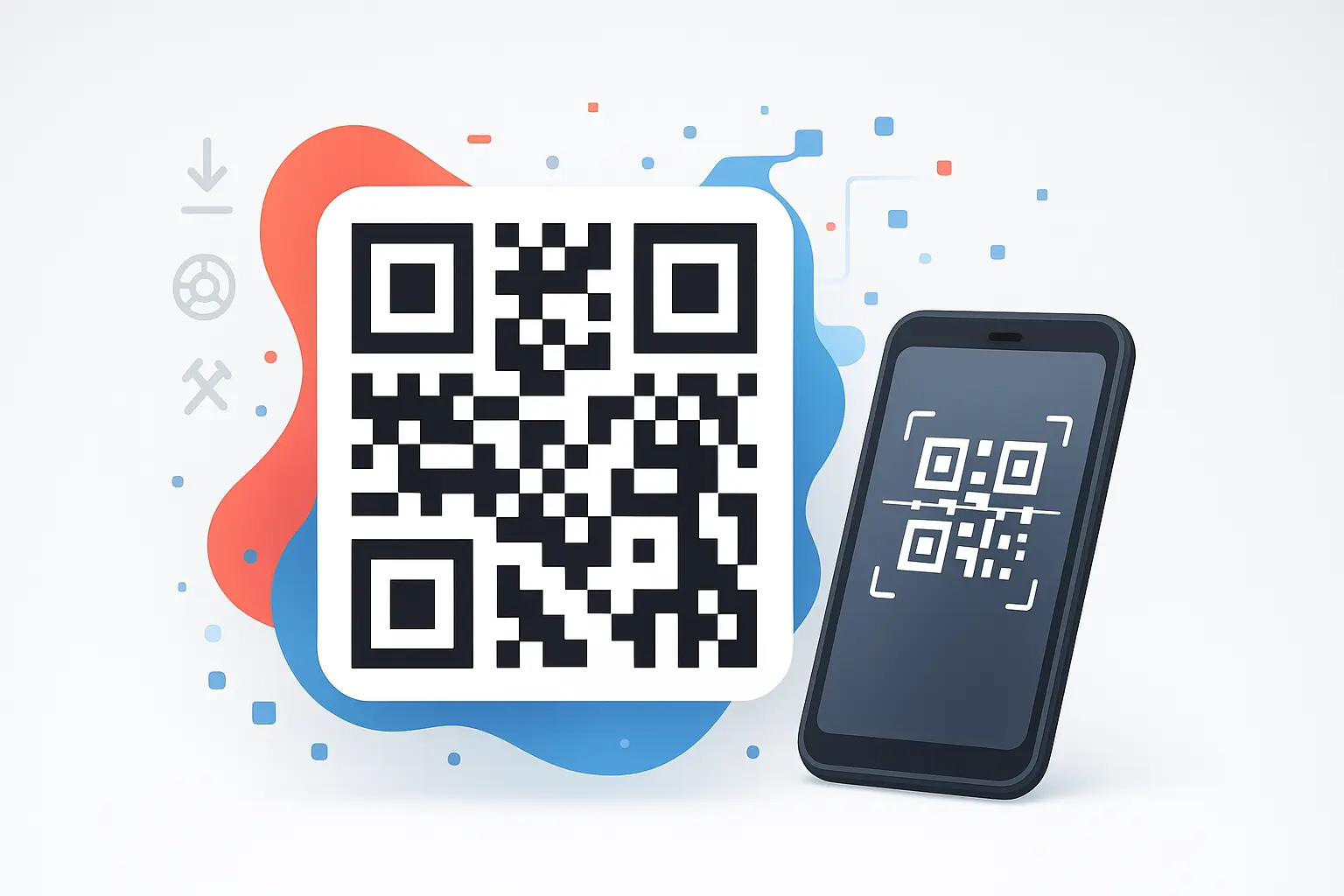
  • Finder patterns - The three large squares in corners that help scanners detect and orient the code
  • Alignment patterns - Smaller squares that assist with scanning larger QR codes
  • Timing patterns - Alternating modules that help determine code dimensions
  • Format information - Data about error correction level and mask pattern
  • Data and error correction keys - The actual encoded information with redundancy for recovery

This sophisticated structure is why a custom qr code can maintain functionality even when partially obscured or damaged, making them reliable for real-world applications.

Frequently Asked Questions About QR Code Generators

Is a free QR code generator safe to use?
Yes, reputable free qr code generators are completely safe. However, ensure you use established services that don't inject malware or tracking scripts. Look for generators that operate client-side (processing data in your browser rather than on their servers) for maximum privacy. Our QR code generator processes all data locally for enhanced security.
Can I customize the appearance of my QR code?
Yes! Our free qr code generator allows you to fully customize foreground and background colors to match your brand identity, adjust the size from 128px to 512px for different use cases, and download in multiple formats (PNG, JPG, SVG). These customization options ensure your QR codes align with your visual branding while maintaining optimal scannability. For adding logos or images to QR codes, you would need to use external design software after generation.
What's the difference between static and dynamic QR codes?
Static QR codes contain fixed data encoded directly in the pattern and cannot be changed after creation. Our qr code generator creates static codes, which are perfect for permanent information like URLs, contact details, WiFi credentials, and text that won't need updating. A dynamic qr code generator creates codes with short URLs that redirect to updatable content, allowing you to modify the destination and track analytics—these typically require premium services with ongoing infrastructure maintenance.
Do QR codes expire?
Static QR codes never expire as the data is embedded in the code itself. However, dynamic QR codes depend on the service provider maintaining the redirect infrastructure. If you use a free dynamic qr code generator, verify their service longevity and consider backing up important codes. Premium services typically guarantee uptime and provide migration options.
Can I use QR codes instead of traditional barcodes?
While QR codes can generate barcode functionality and offer more versatility, traditional barcodes remain standard in many retail and logistics systems due to established infrastructure. QR codes excel in consumer-facing applications requiring smartphone scanning, rich data content, or bidirectional communication. Many businesses now use both systems strategically based on specific use case requirements.
How large should a QR code be for printing?
The minimum size depends on scanning distance. For handheld scanning (business cards, packaging), 2x2 cm (0.8x0.8 inches) works well. A general formula is: QR code size (cm) = scanning distance (cm) ÷ 10. So for a poster scanned from 1 meter away, use a 10x10 cm code. When using a custom qr code generator, always test print and scan before mass production.
What file format is best for QR codes?
For digital use (websites, apps, emails), PNG with transparent backgrounds offers versatility. For professional printing, vector formats like SVG or EPS ensure infinite scalability without quality loss. Most qr code generator free online tools offer multiple format options—choose based on your specific deployment method. SVG is ideal when your code will be resized frequently.
Are there any limits on QR code data?
QR codes can technically store up to 4,296 alphanumeric characters, but practical limits are lower. As data increases, the QR pattern becomes denser and harder to scan, especially from distance or in poor lighting. For best results, keep URLs under 100 characters, use link shorteners for long addresses, and prioritize essential information. A good qr code generator will warn you if data complexity risks scan reliability.

Conclusion: Leveraging QR Codes for Digital Success

In an increasingly connected world, mastering the use of a free qr code generator is no longer optional—it's essential for businesses, educators, and individuals looking to bridge physical and digital experiences seamlessly. Whether you need a basic static code for business cards or a sophisticated dynamic qr code generator for tracking marketing campaigns, the right tools are readily available and surprisingly simple to use.

The key to QR code success lies in understanding your specific needs, following design best practices, and choosing the right type of code for your application. A well-designed custom qr code that aligns with your brand not only functions flawlessly but also reinforces your professional image and encourages user engagement.

As QR code technology continues to evolve with enhanced security features, augmented reality integration, and more sophisticated analytics, staying informed about best practices ensures your codes remain effective and relevant. Remember to regularly test your codes across multiple devices, maintain appropriate contrast ratios, and always prioritize user experience and security.

Whether you're creating your first QR code or optimizing an existing strategy, the principles outlined in this guide will help you maximize the potential of this versatile technology. Start by visiting our free QR code generator to create professional, customizable codes in seconds—no registration required, no hidden fees, just powerful QR code creation at your fingertips.