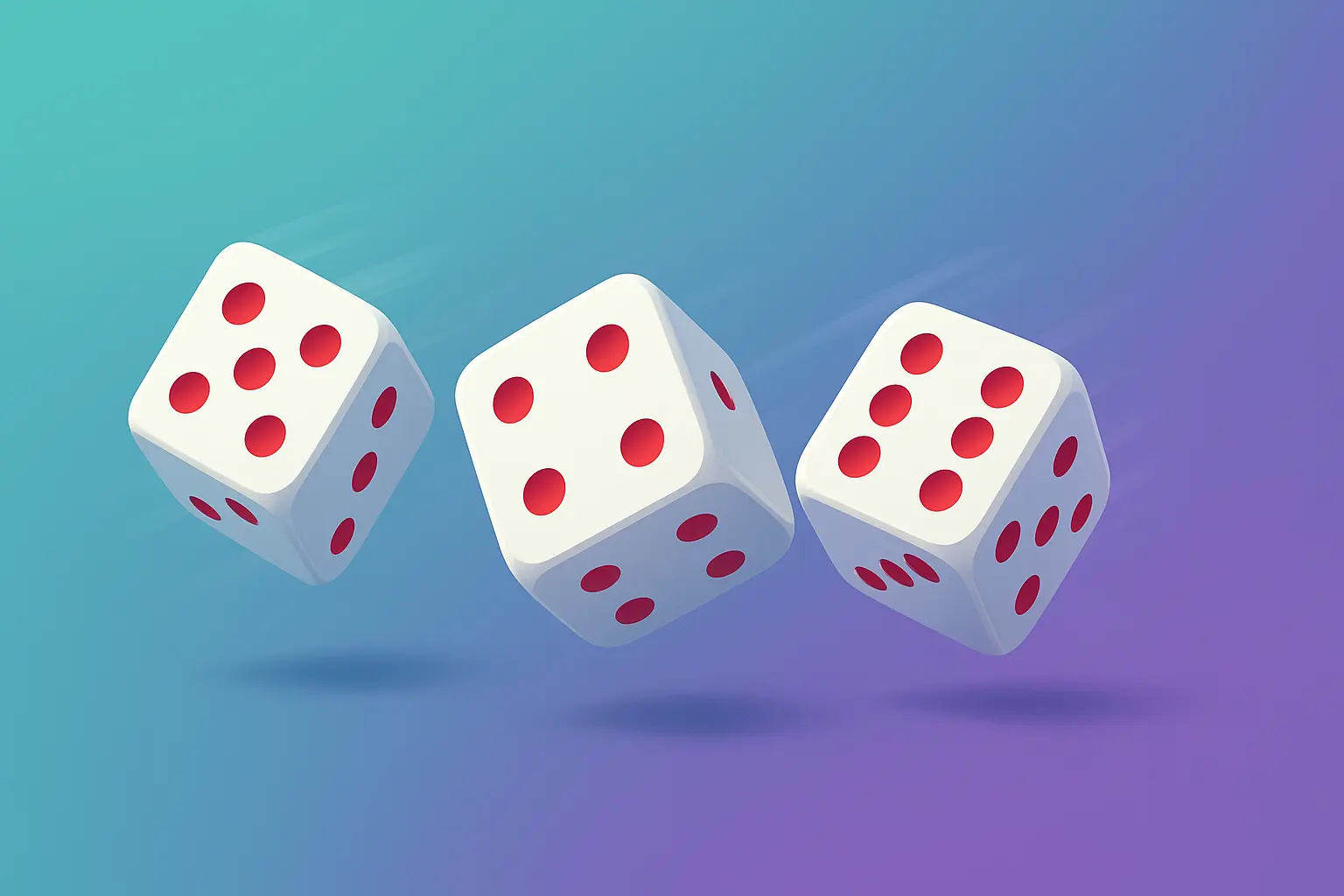
You are in the middle of a board game night with friends. Someone asks for a die, but you cannot find one anywhere. Maybe you are playing a role playing game and you need a specific type of die that is not in your collection. Or perhaps you are facing a decision and you just need a random element to break the tie. In moments like these, a digital solution becomes invaluable.
A dice generator is a simple but powerful tool that simulates rolling physical dice. It can save the day when physical dice are missing, add variety to your games, and help you make random decisions when you need them. This comprehensive guide will explore everything you need to know about dice generators. You will learn how they work, how to use them effectively, and how they can enhance your gaming experiences and daily life.
Roll Your Dice Instantly!
Use our interactive dice roller to get random dice results for games, decisions, and fun.
Try the Dice Roller Now →What Is a Dice Generator and Why Use One?
A dice generator is a digital tool that simulates the roll of one or more dice. It produces random numbers within a specified range, just like physical dice. The results are displayed instantly, and many generators include visual animations to mimic the experience of rolling actual dice.
There are many reasons to use a dice generator. Physical dice can be lost or misplaced. You might need a type of die you do not own, like a D20 or D12. Traveling with dice can be cumbersome. And sometimes you just want the convenience of tapping a button instead of searching for a die under the couch. A dice generator solves all these problems with a simple click.

Types of Dice and When to Use Them
Different games and activities require different types of dice. Understanding the common dice types helps you choose the right one for your needs.
D4 (Four-Sided Die)
A D4 is a pyramid shaped die that produces results from 1 to 4. It is commonly used in role playing games like Dungeons & Dragons for small damage rolls, healing spells, and certain character attributes. It is also useful for games that require low range random numbers.
D6 (Six-Sided Die)
The D6 is the most familiar die. It is used in countless board games, including Monopoly, Risk, Yahtzee, and many others. It is also the standard die for most family games and simple decision making. The D6 is versatile and widely recognized.
D8 (Eight-Sided Die)
A D8 produces results from 1 to 8. It appears frequently in role playing games for weapon damage, spell effects, and character statistics. Some board games also incorporate D8 dice for added variety.
D10 (Ten-Sided Die)
The D10 is often used for percentage rolls, especially in games that require percentile calculations. Some systems use D10 dice for core mechanics. Pairs of D10 dice can represent numbers from 1 to 100.
D12 (Twelve-Sided Die)
The D12 is less common but appears in certain role playing games for larger damage rolls and specific game mechanics. It offers a wider range than the D8 without jumping to the D20.
D20 (Twenty-Sided Die)
The D20 is iconic in role playing games. It is used for attack rolls, skill checks, saving throws, and many other core mechanics. A D20 roll often determines success or failure in critical moments, making it one of the most important dice in tabletop gaming.
How a Dice Generator Works
Understanding the technology behind a dice generator helps you trust its results. A digital dice generator uses a random number generator, often called an RNG, to produce results. Good RNGs are designed to be as unpredictable as possible, mimicking the randomness of physical dice.
When you click the roll button, the generator produces a number within the range of the selected die. For a D6, it generates a number between 1 and 6. For multiple dice, it generates separate numbers and adds them for a total. The best generators also include visual animations that show dice tumbling and landing, adding to the satisfying experience.
Modern dice generators are designed to be fair. Each outcome has an equal probability of occurring, just like physical dice. This makes them reliable for games where fairness is essential.
The Spin Numbers Dice Roller offers a clean, intuitive interface. You can choose the number of dice you want to roll, from 1 to 6. You can select the dice type D4, D6, D8, D10, D12, or D20. When you click the roll button, a 3D animation simulates the dice rolling. The results appear with individual values for each die and a total sum. It is a complete solution for any dice rolling need.
👉 Try the Spin Numbers Dice Roller here and experience realistic dice rolling instantly.
Step-by-Step Guide: How to Use a Dice Generator
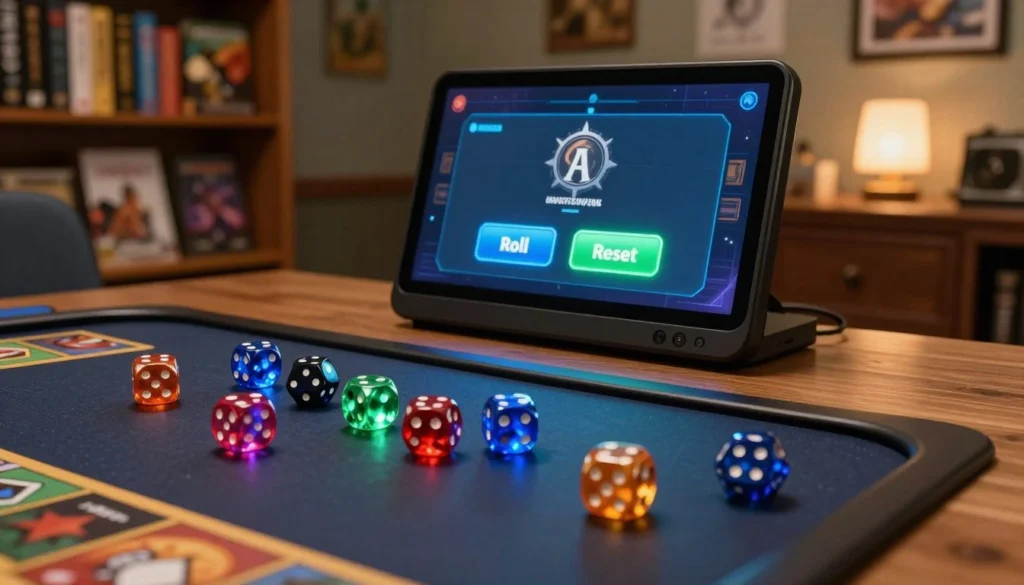
Using a dice generator is straightforward, but following these steps ensures you get the results you need.
Step 1: Determine How Many Dice You Need
Before rolling, decide how many dice your game or decision requires. A single die is enough for most simple choices. Multiple dice may be needed for games that involve adding results or rolling with advantage. Most generators allow you to roll between 1 and 6 dice at once.
Step 2: Select the Correct Dice Type
Choose the die that matches your game or activity. If you are playing a standard board game, select D6. If you are playing Dungeons & Dragons, you might need D20 for attack rolls or D8 for damage. Many generators offer multiple dice types, so you can switch as needed.
Step 3: Roll the Dice
Click the roll button. Watch the animation if the generator includes one. The results will appear almost instantly. Some generators show each die result individually, along with a total sum when rolling multiple dice.
Step 4: Interpret the Results
Use the numbers as you would with physical dice. In a board game, move your token that many spaces. In a role playing game, add modifiers to determine success. For decision making, assign options to numbers and see what comes up.
Step 5: Roll Again as Needed
One of the advantages of a digital dice generator is that you can roll as many times as you want with no effort. Click the button again for the next roll. You can also adjust the number of dice or the dice type between rolls.
Real-Life Examples: Using a Dice Generator in Different Situations
Dice generators are useful in many contexts beyond traditional gaming. Here are some real world scenarios where a dice generator proves invaluable.
Example 1: Family Game Night Without the Hassle
The Thompson family loves playing board games, but their young children often lose the dice. Instead of searching under furniture every time, they pull out a tablet and use a dice generator. The game continues smoothly, and everyone stays focused on the fun rather than searching for missing pieces.
Example 2: Role Playing Game Sessions with Limited Dice
A Dungeons & Dragons group is playing remotely. Not everyone has a full set of polyhedral dice. The dungeon master shares a dice generator on screen, and players use it for their rolls. Everyone sees the results instantly, and no one needs to worry about having the right physical dice.
Example 3: Making Random Decisions
A group of friends cannot decide where to eat for dinner. They list five options and assign each a number. One person uses a dice generator to roll a D6. The result lands on 3, which corresponds to the third restaurant. Decision made with no arguments.
Example 4: Classroom Activities and Games
A teacher wants to add an element of chance to a classroom review game. Instead of passing around physical dice, they display a dice generator on the screen. Students take turns calling out “roll,” and the class watches the animation. The random element keeps everyone engaged and excited.
Example 5: Solo Gaming and Practice
A wargaming enthusiast is practicing strategies alone. They use a dice generator to simulate opposing rolls, saving them from constantly reaching across the table. The generator also allows them to quickly reroll when testing different scenarios.
Using a Dice Generator for Decision Making
Beyond games, a dice generator is an excellent tool for making decisions when choices are evenly balanced. Here is how to use it effectively.
Assigning Options to Numbers
List the options you are deciding between. If you have three options, assign them numbers 1, 2, and 3. Roll a D6, but if the result is 4, 5, or 6, roll again until you get a valid number. Alternatively, use a dice type that matches your number of options. For two options, roll a D6 and assign odd and even. For four options, use a D4 directly.
Removing Bias from Decisions
Sometimes you have two choices and you cannot decide. Rolling a die removes personal bias. The result tells you what to do, and you can proceed without second guessing. Many people find that when they roll, they actually hope for a particular outcome. That hope can reveal their true preference even before the roll lands.
Group Decision Making
When a group cannot agree, a dice generator provides a neutral, fair solution. Everyone sees the same result, and no one can claim favoritism. This works for choosing activities, assigning tasks, or resolving disagreements.
Common Mistakes When Using Dice Generators
Even with a simple tool, there are ways to use it incorrectly. Here are common mistakes and how to avoid them.
Mistake 1: Using the Wrong Dice Type
Rolling a D20 when you need a D6 will give results that are too high. Always double check that you have selected the correct dice type for your game or decision.
Mistake 2: Relying on a Single Roll for Critical Decisions
For important decisions, one roll may not be enough. Consider rolling multiple times or using a more structured decision making process alongside the random element.
Mistake 3: Ignoring the Total Sum for Multiple Dice
When rolling multiple dice, some games use the individual results separately while others use the total. Make sure you understand how your game handles multiple dice before interpreting the results.
Mistake 4: Not Refreshing or Rerolling When Needed
If a roll seems questionable or if the generator appears to be stuck, refresh the page or roll again. Reputable generators are designed to be fair, but technical glitches can happen.
Best Practices for Using a Dice Generator
Follow these best practices to get the most out of your dice generator experience.
Use a Reliable Tool
Choose a dice generator from a trusted source. The Spin Numbers Dice Roller is designed with fairness and user experience in mind. It provides realistic 3D animations and accurate random results.
Understand the Game Rules
Before rolling, know what the dice results mean in your game. Some games use modifiers, rerolls, or advantage systems. Understanding these rules ensures you interpret the generator’s results correctly.
Keep the Tool Accessible
Bookmark your favorite dice generator or save it to your phone’s home screen. Having it readily available means you never need to search for physical dice when the moment comes.
Combine with Other Tools for Complex Games
For complex role playing games, you might combine a dice generator with digital character sheets and rule references. This creates a complete digital gaming experience.
Security and Privacy Considerations
When using an online dice generator, privacy is straightforward but worth noting.
No Personal Data Required
A good dice generator does not require personal information. You do not need to sign up, create an account, or provide an email address. The Spin Numbers Dice Roller works instantly without any data collection.
Use HTTPS for Secure Connections
Look for the padlock icon in your browser when using any online tool. This ensures your connection is secure, even though dice generators do not typically handle sensitive information.
Local Processing for Privacy
Reputable dice generators process rolls locally in your browser. No data is sent to servers where it could be intercepted or stored. Your rolls remain private.
Advanced Dice Rolling: Exploring Different Game Systems
Different games have unique dice rolling requirements. Here is how a dice generator can accommodate various systems.
Advantage and Disadvantage Systems
In games like Dungeons & Dragons, advantage means rolling two dice and taking the higher result. Disadvantage means rolling two dice and taking the lower result. With a dice generator, you can roll two dice and compare the results manually, or look for a generator that offers this functionality directly.
Exploding Dice
Some games use exploding dice, where rolling the maximum value allows you to roll again and add the result. With a digital generator, you simply roll again when you hit the maximum.
Percentile Rolls
Percentile rolls use two D10 dice, one representing tens and one representing ones. The combination gives a number from 1 to 100. Many dice generators include a dedicated percentile mode or allow you to simulate it with two D10 rolls.
Custom Dice
Some games use custom dice with non standard faces. While most generators focus on standard dice types, some advanced tools allow you to create custom dice. For standard gaming, the D4, D6, D8, D10, D12, and D20 cover most needs.
FAQs About Dice Generators
1. Are online dice generators truly random?
Yes, reputable dice generators use random number generators designed to produce unpredictable results. The Spin Numbers Dice Roller uses standard randomization techniques that ensure each roll is independent and each outcome has an equal probability. This mimics the randomness of physical dice.
2. Can I use a dice generator for serious games like Dungeons & Dragons?
Absolutely. Many role playing groups use digital dice rollers for convenience, especially when playing online. The results are just as fair as physical dice, and the 3D animation adds to the experience. Some players prefer digital dice because they eliminate concerns about weighted or unbalanced physical dice.
3. What is the difference between rolling multiple dice individually versus all at once?
Rolling multiple dice at once generates separate results for each die. The generator typically shows each individual value along with a total sum. This is useful for games where you need to apply modifiers to each die separately or where you need to see all outcomes. Rolling individually may be necessary for sequential decisions.
4. Can I use a dice generator on my phone?
Yes, most dice generators work on mobile devices through your phone’s browser. They are designed to be responsive, so buttons are easy to tap and results are clearly visible. You can bookmark the tool for quick access during games.
5. Is there a limit to how many times I can roll?
No, you can roll as many times as you want. Digital dice generators do not wear out or run out of rolls. You can use them for short games or marathon sessions without any limitations.
6. How do I know the dice generator is fair and not biased?
Reputable generators from trusted sources are designed to be fair. The Spin Numbers Dice Roller uses standard randomization methods. If you have concerns, you can test the generator by rolling many times and observing the distribution. Over a large number of rolls, each outcome should appear with roughly equal frequency.
7. Can I use a dice generator for educational purposes?
Yes, dice generators are excellent for classroom activities. Teachers can use them for probability lessons, math games, and classroom management. The visual animation helps engage students, and the digital format eliminates the noise of physical dice.
8. What should I do if the dice generator is not working?
If you experience issues, try refreshing the page or checking your internet connection. Most issues are temporary. The Spin Numbers Dice Roller is designed to be reliable, but if problems persist, clearing your browser cache or trying a different browser may help.
Conclusion: Embrace the Convenience of Digital Dice
A dice generator is more than just a substitute for physical dice. It is a versatile tool that enhances gaming, simplifies decision making, and adds an element of randomness to many activities. Whether you are a serious role player, a casual board game enthusiast, or someone who occasionally needs to make a random choice, a dice generator is a valuable addition to your toolkit.
The Spin Numbers Dice Roller offers a complete solution with multiple dice types, customizable number of dice, and satisfying 3D animations. You can roll D4, D6, D8, D10, D12, or D20 dice with one click. The results are clear, the interface is simple, and the experience is enjoyable.
Next time you find yourself searching for a missing die, facing a tough decision, or just wanting to add some randomness to your day, remember that a dice generator is always available. No setup, no cleanup, and no lost pieces. Just click and roll. The perfect result is only a button away.