Understanding how to leverage a free QR code generator is no longer just a technical skill—it is a marketing and operational necessity. This guide provides an expert overview of QR technology, helping you create professional, secure, and highly functional codes for any application.
The Evolution of QR Technology
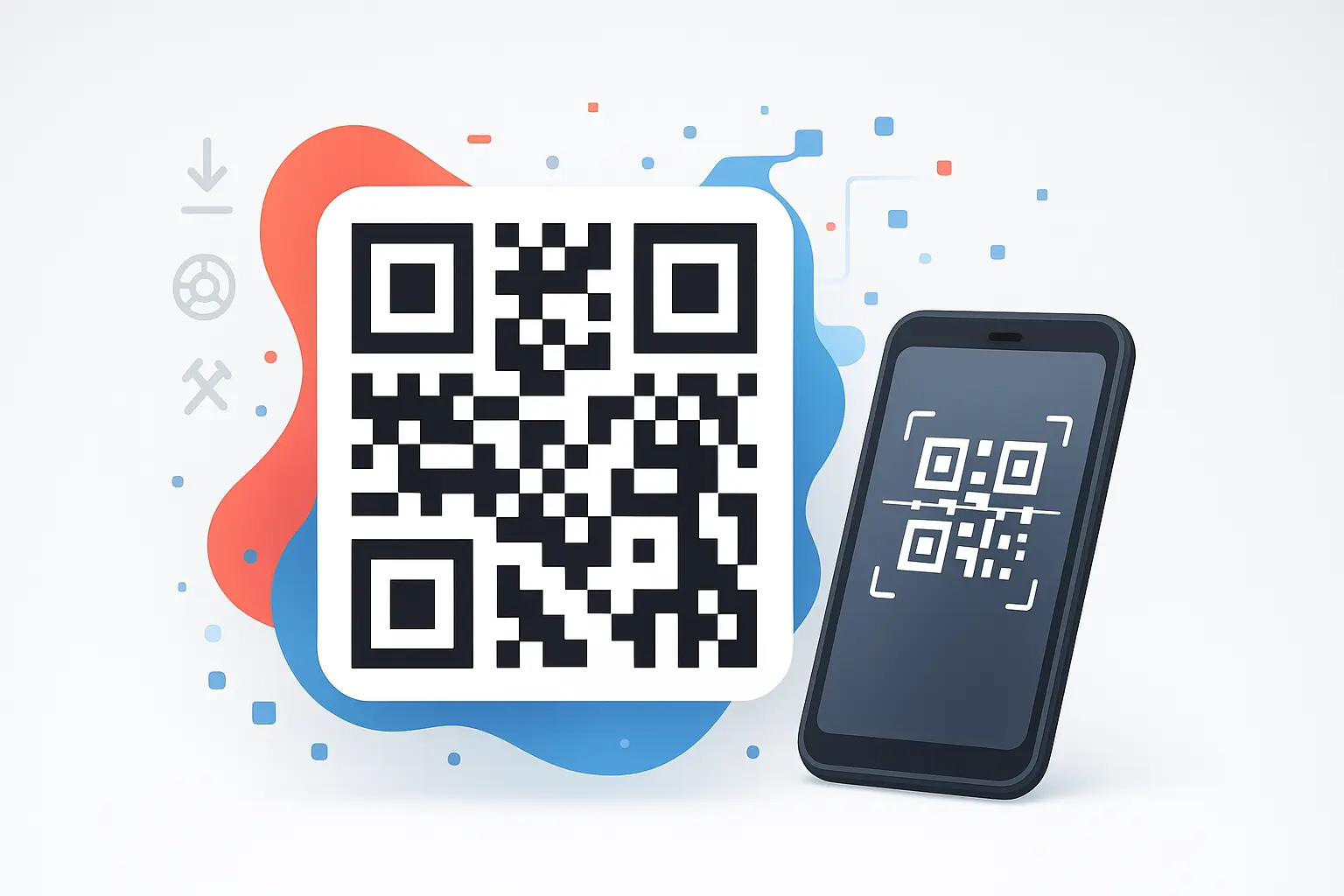
A QR code generator transforms various data types—URLs, vCards, or plain text—into a two-dimensional matrix. Unlike a traditional barcode that stores data horizontally, QR codes store information both vertically and horizontally. This leap in technology allows for exponentially higher data density and faster scanning speeds.
Choosing a qr code generator free online platform allows businesses to create these assets without the need for specialized software. This accessibility has democratized digital connectivity, allowing even small creators to implement sophisticated tracking and information-sharing systems.
Strategic Differences: Static vs Dynamic QR Codes
When you generate a code, you must choose between two fundamental architectures:
Static QR Codes
Static codes have the information hard-coded into the pattern itself. They are permanent, never expire, and do not require an internet connection to be decoded. These are ideal for sharing WiFi credentials, permanent text, or fixed URLs that will never change.
Dynamic QR Code Generator Advantages
A dynamic qr code generator uses a placeholder URL that redirects the user to the final destination. This allows for content updates after printing and provides deep analytics, such as scan location and device type. While the pattern remains the same, the destination can be changed infinitely, making them a cornerstone of modern marketing campaigns.
Need a Reliable QR Code?
Create high-resolution, professional QR codes in seconds with our secure tool.
Generate Your QR Code Now →Design Principles for a Custom QR Code
Creating a custom qr code involves more than just aesthetics; it requires a balance between branding and scannability. Scanners rely on contrast and geometric patterns to function correctly.
Contrast and Legibility
Always maintain a high contrast ratio. While you can use brand colors, dark modules on a light background provide the most reliable scanning across different mobile devices.
The Quiet Zone
Scanners need a "Quiet Zone"—the white space surrounding the code—to distinguish it from the surrounding design elements. Avoid placing text or graphics too close to the pattern.
Error Correction Levels
QR codes use Reed-Solomon error correction. Higher levels allow the code to remain scannable even if partially damaged or covered by a logo, ensuring durability in physical environments.
QR Code vs Barcode: A Technical Comparison
| Feature | QR Code | Traditional Barcode |
|---|---|---|
| Data Capacity | Up to 4,296 characters | 20-25 characters |
| Scanning Angle | 360° (Omnidirectional) | Horizontal Only |
| Damage Tolerance | Up to 30% recovery | Zero to minimal |
| Mobile Compatibility | Native Camera Support | Often requires specific apps |
Security and Privacy in QR Generation
Security is paramount when using a free qr code generator. Because QR codes are "black boxes" to the human eye, users should always verify the destination URL. For creators, using a tool that processes data client-side is the safest approach, as it ensures your information is never stored on third-party servers.
Frequently Asked Questions
Conclusion
Mastering the use of a free qr code generator allows you to bridge the gap between offline and online worlds efficiently. Whether you are generating a barcode for inventory or a custom qr code for a massive marketing campaign, prioritizing scannability and user security is the key to success. Start creating today and see how this simple technology can enhance your digital presence.